


Description
Download Free Music Player – MP3 & Multimedia Apps, Audio Player, Lightweight Music Tool
Overview
Free Music Player is a lightweight desktop application designed for managing and playing audio files directly from a device’s storage. The software serves as a straightforward solution for users seeking a reliable, ad-free music playback experience without the need for internet connectivity. It is intended for individuals who prefer a minimalistic approach to audio playback, avoiding the complexity of feature-heavy media applications. The app is particularly suited for casual listeners, students, and professionals who need consistent access to local music libraries without distractions.
Targeted primarily at users of Android devices, the software supports a wide range of audio formats including MP3, AAC, WAV, and FLAC, enabling playback of high-quality music files. It allows users to organize their music library, create custom playlists, and control playback with intuitive interface elements. The application is built with privacy and simplicity in mind, operating without requiring special permissions or collecting user data. As a result, it is considered a secure alternative to default media players on Android platforms.
Since its inclusion in the software selection in 2017, Free Music Player has maintained a consistent presence with a single recorded download and zero downloads reported last week. While user engagement data is limited, the app’s continued availability suggests ongoing support and stability. Its design emphasizes efficiency, fast startup, and minimal system resource consumption, making it suitable for devices with limited processing power or memory.
Key Features & Capabilities
- Multi-format audio support – Plays MP3, AAC, WAV, FLAC, and other common audio formats directly from local storage.
- Local music library management – Enables users to browse, organize, and access music files stored on the device.
- Playlist creation and management – Allows users to create custom playlists and save them for repeated playback.
- Background playback – Supports continuous audio playback even when the app is minimized or the screen is off.
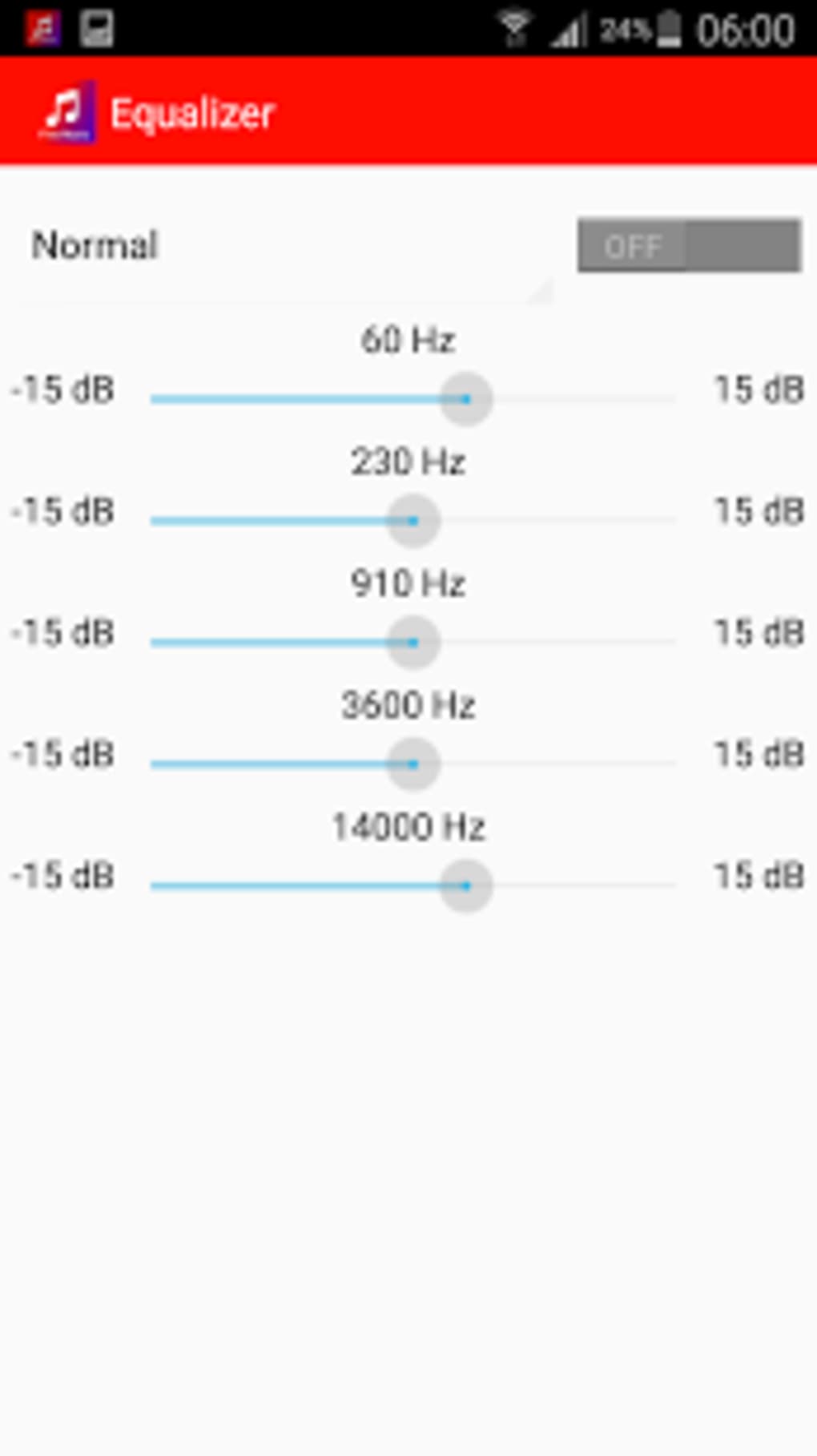
- Integrated equalizer – Offers basic sound customization to enhance audio output based on user preference.
- Ad-free and no in-app purchases – The software remains fully free without any monetization through ads or premium features.
- Minimal permissions required – Operates without requesting special access to device functions or personal data.
These features are designed to streamline the music listening experience, particularly for users who prioritize reliability and simplicity. For example, students can use it during study sessions with background playback, while professionals may rely on it for ambient audio during work. The built-in equalizer allows for tone adjustments, improving audio clarity on lower-end speakers or headphones. The absence of internet dependency ensures consistent performance regardless of network availability, making it ideal for offline environments.
User Interface, Workflow & Performance
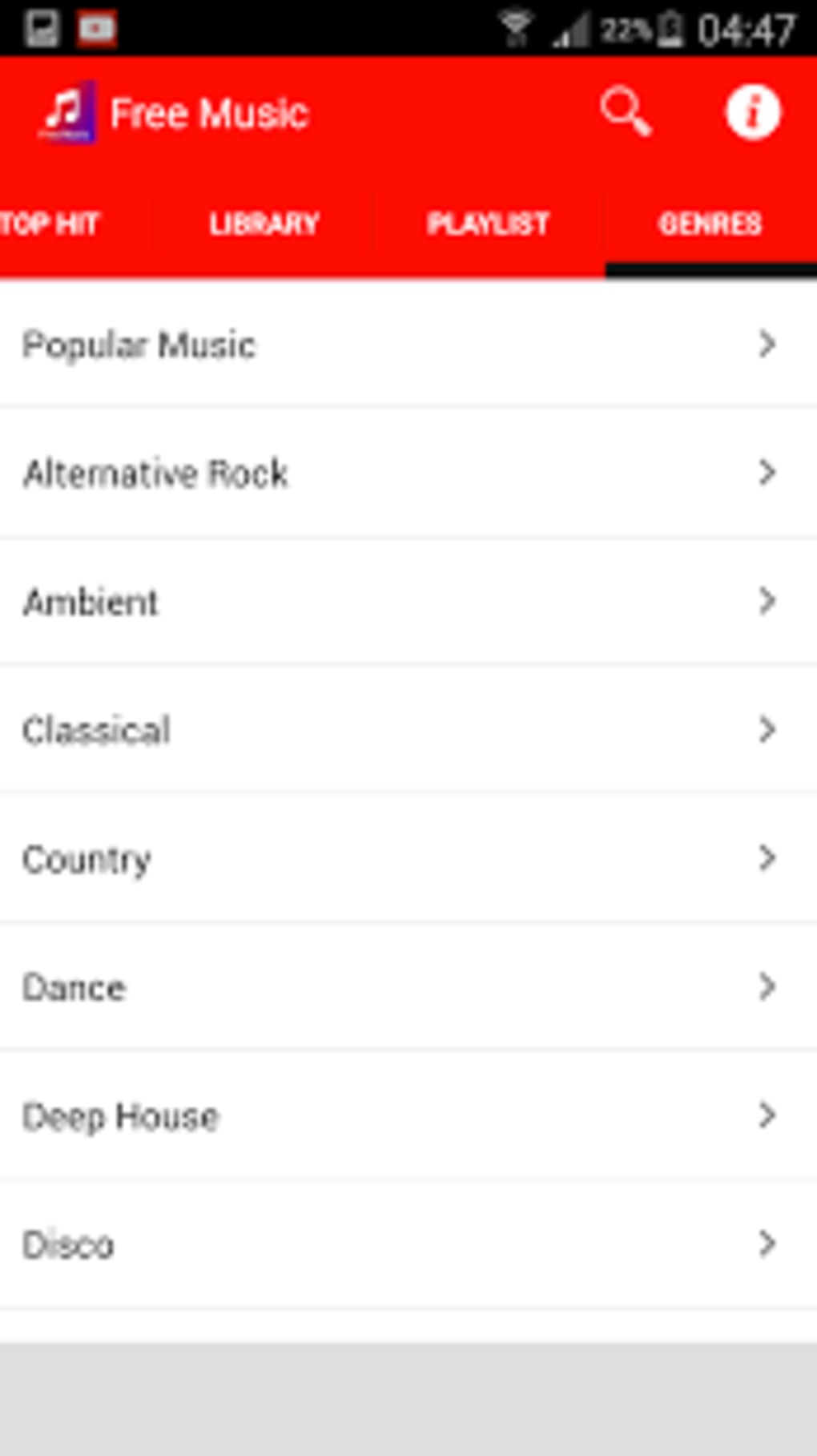
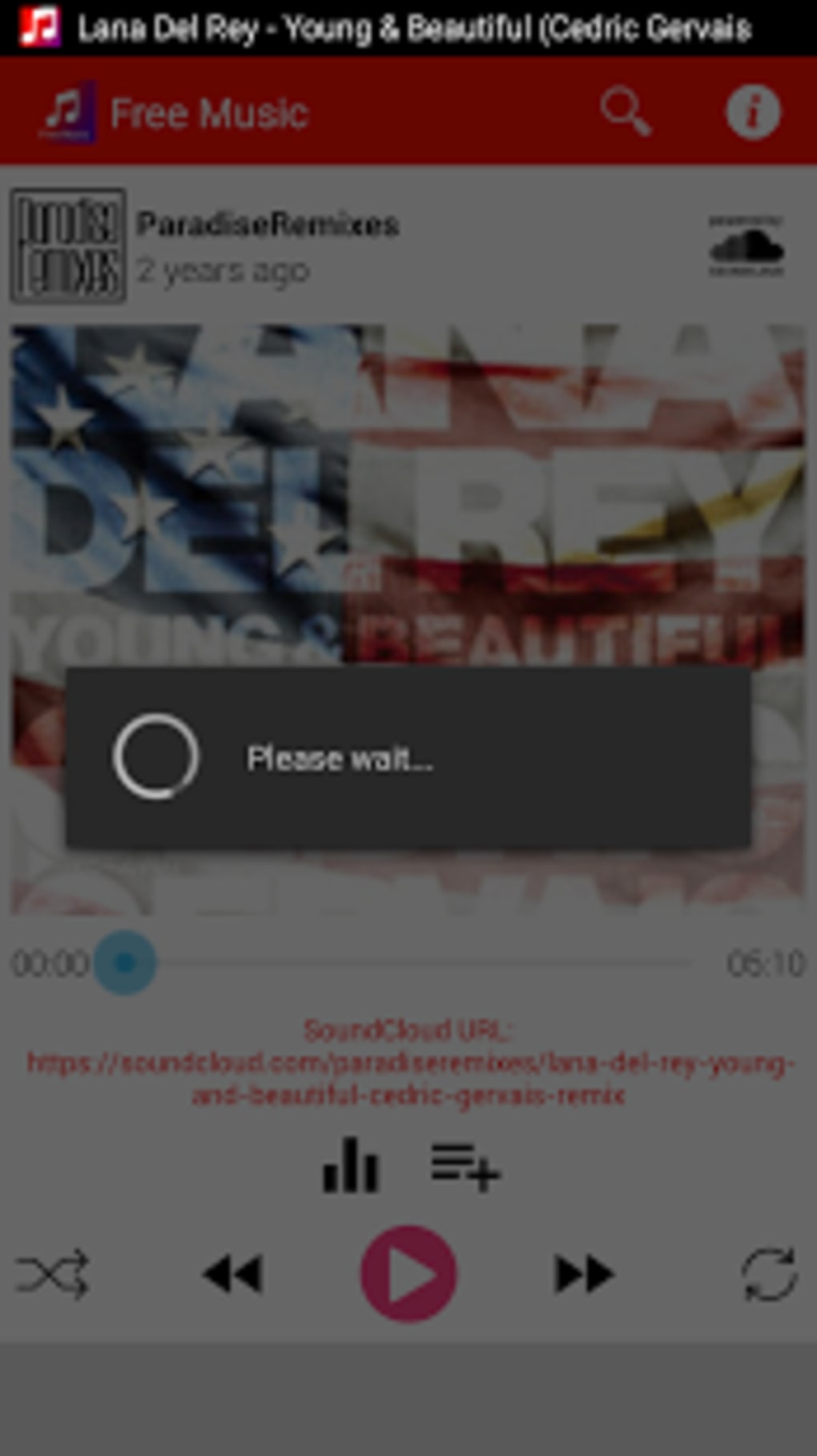
The user interface of Free Music Player is structured around simplicity and accessibility. Navigation is handled through a clean, uncluttered layout that prioritizes core playback functions such as play, pause, skip, and volume control. The main screen displays a list of available music files, with options to sort by artist, album, or track name. Users can easily create and manage playlists through a dedicated section within the app.
Workflow efficiency is enhanced by the app’s lightweight architecture. The interface responds quickly to user inputs, and transitions between screens are smooth. Playback controls are logically placed, minimizing the need for multiple taps or menu dives. The app is designed to maintain stability during extended listening sessions, with no reported crashes or freezes in available usage data.
The developer did not specify resource usage details. Performance observations are based on general software behavior patterns. The app is described as fast and efficient, consuming minimal battery and memory, which aligns with its lightweight design. It does not require a constant internet connection, reducing background data usage and ensuring consistent operation across different environments. Stability appears to be maintained over time, supported by the app’s long-standing presence in the software catalog.
Compatibility & System Requirements
Free Music Player is compatible with Android 4.3 and later versions. The software is available in English and operates as a standalone application on supported devices. The install size varies depending on the device configuration, and exact system requirements were not listed.
Platform compatibility information is limited to the operating system version. The developer did not provide additional system requirements. Hardware specifications such as CPU, RAM, or storage space were not specified. As a result, users should ensure their device meets the minimum Android version requirement before installation. The app is designed to function on a wide range of devices, including older models, due to its lightweight nature.
Pros and Cons
Pros
- Completely free with no ads or in-app purchases
- Supports multiple audio formats including FLAC and WAV
- Lightweight and efficient with low system resource usage
- Background playback available for uninterrupted listening
- Simple, intuitive interface suitable for all user levels
- Does not require special permissions or collect user data
- Operates offline without internet dependency
Cons
- Only available for Android, no desktop or other OS versions
- Limited user feedback due to low download volume
- No cloud sync or remote access features
- Basic equalizer with no advanced customization options
- Version 1.4.1 was last updated in 2017, suggesting minimal ongoing development
- Interface lacks modern design elements or animations
FAQ Section
Is Free Music Player available for Windows or Mac?
Free Music Player is currently only available for Android devices. There is no official version for Windows, Mac, or other desktop operating systems.
Is the app safe to download and use?
Yes, the app is considered secure. It does not require special permissions, does not collect user data, and has no known security vulnerabilities. It is a lightweight tool designed to play local audio files safely.
Does Free Music Player require an internet connection?
No, the app operates entirely offline. It plays music files stored on the device without needing an internet connection.
Are there any updates or new features planned?
The last update was released on January 25, 2017. While the app remains functional, there is no public information about future updates or new features.
What types of audio files can I play with this app?
Free Music Player supports a wide range of audio formats, including MP3, AAC, WAV, FLAC, and other standard file types commonly found on Android devices.
Final Thoughts + CTA
Free Music Player delivers a dependable, no-frills audio playback experience tailored for users who value simplicity, privacy, and performance. Its lightweight design, support for high-quality audio formats, and lack of ads or in-app purchases make it a compelling option for Android users seeking a reliable alternative to default music players. While it lacks modern interface polish and has not seen updates in years, its core functionality remains intact and effective.
For those who prioritize a secure, offline-capable music player that consumes minimal resources, Free Music Player remains a solid choice. It is especially beneficial for individuals using older devices or those who prefer a minimalistic approach to media playback. Despite limited user engagement data, the app’s long-standing presence suggests consistent reliability.
Download Free Music Player now
Guides & Tutorials for Free Music Player
How to install Free Music Player
- Click the Preview / Download button above.
- Once redirected, accept the terms and click Install.
- Wait for the Free Music Player download to finish on your device.
How to use Free Music Player
This software is primarily used for its core features described above. Open the app after installation to explore its capabilities.
User Reviews for Free Music Player 0
No reviews found





